Optimizing Snowflake (4): monitoring and debugging stored procedures using query tagging
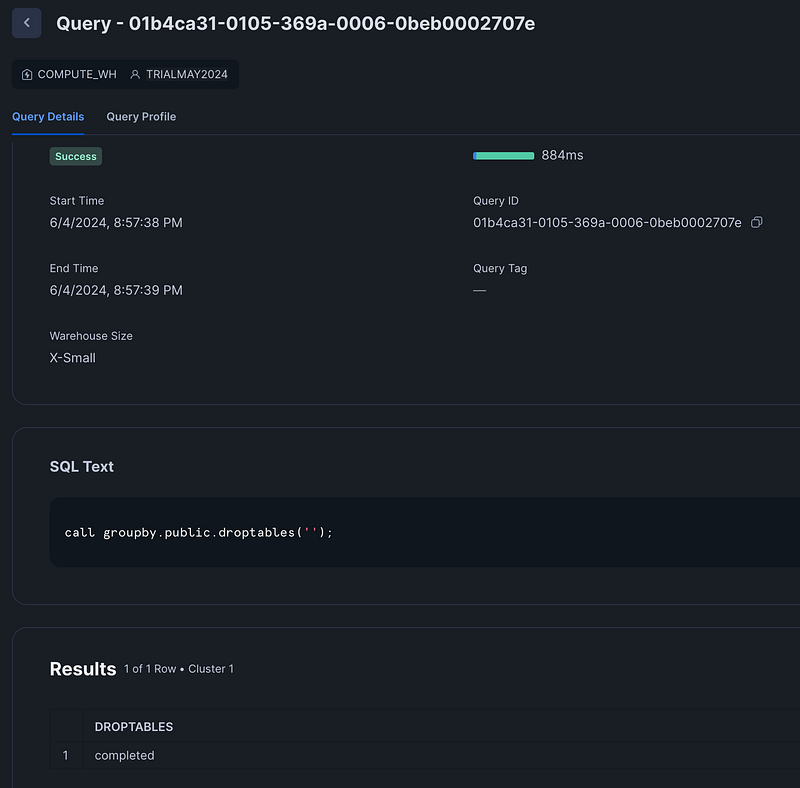
When you run Snowflake stored procedures, debugging is not the easiest thing. This is my example stored procedure, dynamically dropping tables:
create or replace procedure groupby.public.droptables(message VARCHAR)
RETURNS VARCHAR NOT NULL
LANGUAGE SQL
AS
$$
DECLARE
v_sql_query VARCHAR;
c_table CURSOR FOR SELECT TABLE_NAME FROM groupby.INFORMATION_SCHEMA.TABLES WHERE TABLE_SCHEMA = 'PUBLIC';

BEGIN
v_sql_query := '';

FOR record IN c_table DO
    v_sql_query := 'DROP TABLE GROUPBY.PUBLIC.' || record.TABLE_NAME;
    EXECUTE IMMEDIATE v_sql_query;
END FOR;

RETURN 'completed';
END;
$$;

call groupby.public.droptables('');
Looking at the query history, the call to the stored procedure is only the call itself:
The statements that are executed from the stored procedure are also visible in the query history. In my example — an isolated trial account with only one user — it is pretty easy to find:
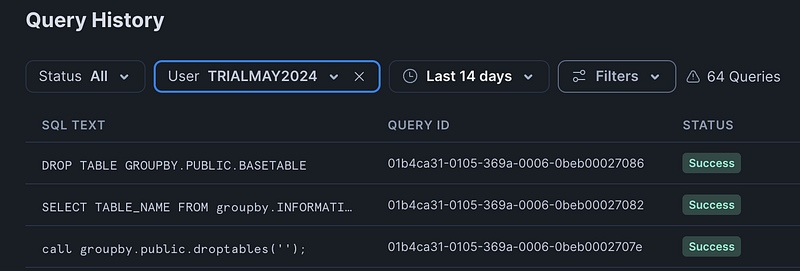
But what happens when you run inside a production environment, with thousands of queries executed, how can we then trace & debug this stored procedure from the query history. One approach is to use query tagging.
We are going to add a line to the stored procedure:
ALTER SESSION SET QUERY_TAG = 'droptables';When we now run the create procedure statement, we will get an error:
“Uncaught exception of type ‘STATEMENT_ERROR’ on line 7 at position 0 : Stored procedure execution error: Unsupported statement type ‘ALTER_SESSION’.”
The reason for this: the default “EXECUTE AS” setting for a stored procedure is EXECUTE AS OWNER. This setting will cause the above error, when we change the procedure to EXECUTE AS CALLER this will be fixed.
For a good explanation of the difference between EXECUTE AS CALLER/OWNER, I recommend this article: link.
The code for the stored procedure will now become:
create or replace procedure groupby.public.droptables(message VARCHAR)
RETURNS VARCHAR NOT NULL
LANGUAGE SQL
EXECUTE AS CALLER
AS
$$
DECLARE
v_sql_query VARCHAR;
c_table CURSOR FOR SELECT TABLE_NAME FROM groupby.INFORMATION_SCHEMA.TABLES WHERE TABLE_SCHEMA = 'PUBLIC';

BEGIN
ALTER SESSION SET QUERY_TAG = 'droptables';
v_sql_query := '';

FOR record IN c_table DO
    v_sql_query := 'DROP TABLE GROUPBY.PUBLIC.' || record.TABLE_NAME;
    EXECUTE IMMEDIATE v_sql_query;
END FOR;

RETURN 'completed';
END;
$$;
When executing the stored procedure, this will be the result in the query history:

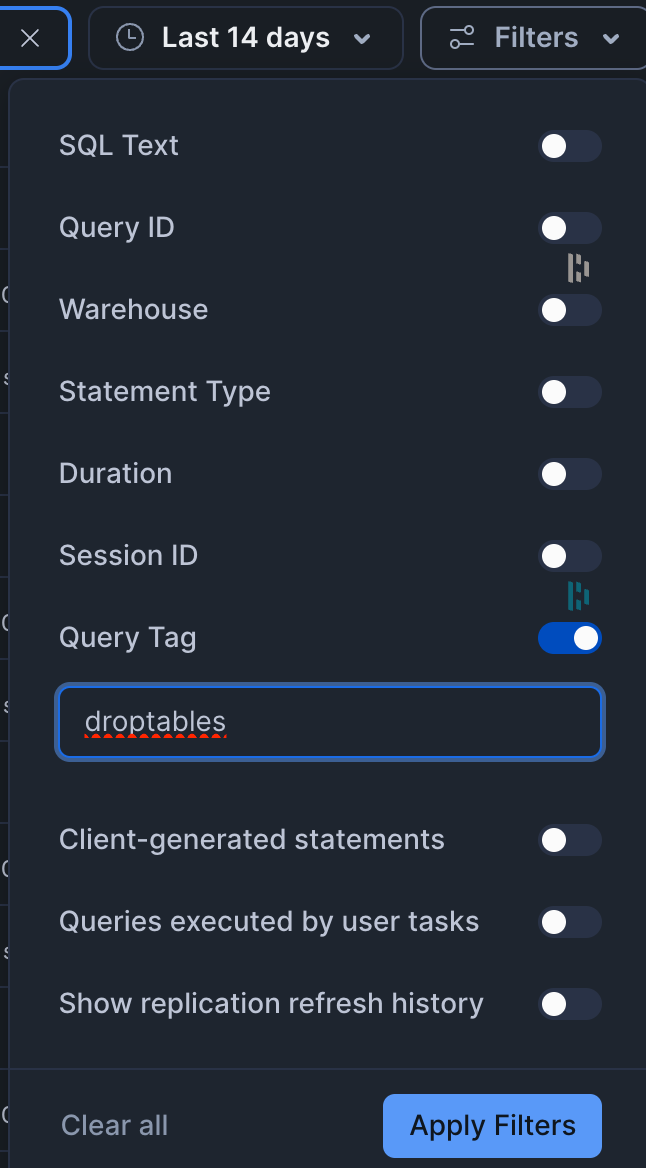
The SET QUERY_TAG itself will not have a tag, but all commands executed with the call, which resembles a Snowflake session, have the tag. We can then use the filter option in the query history screen to see all statements:
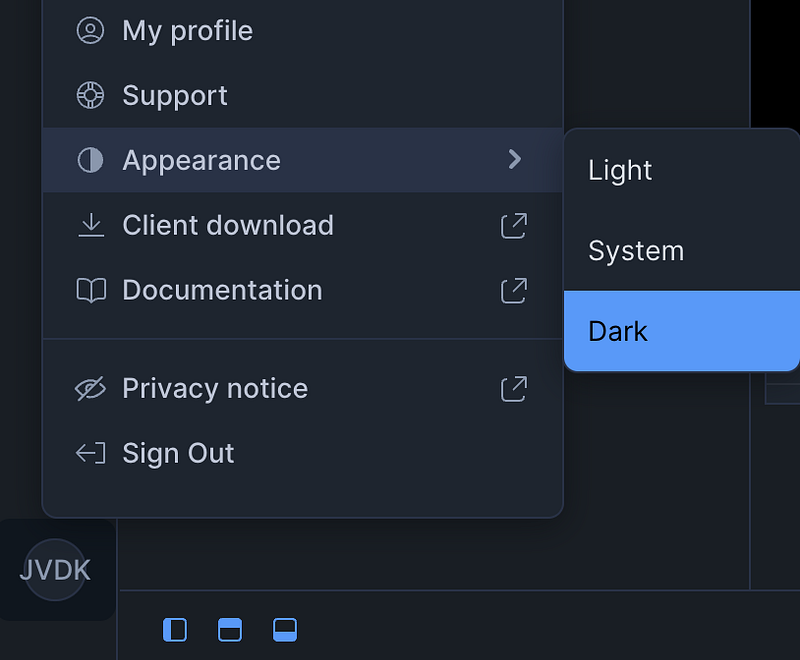
P.S. do you see the dark screen mode in Snowflake. Just stumbled upon it today: