Snowflake - converting your end-of-life dashboards to Streamlit
You might have received an e-mail from Snowflake Support announcing some changes concerning worksheets & dashboards. In this article I will focus on dashboards and what to do.
Legacy Dashboards are being retired, with migration paths to Streamlit apps or third-party BI tools
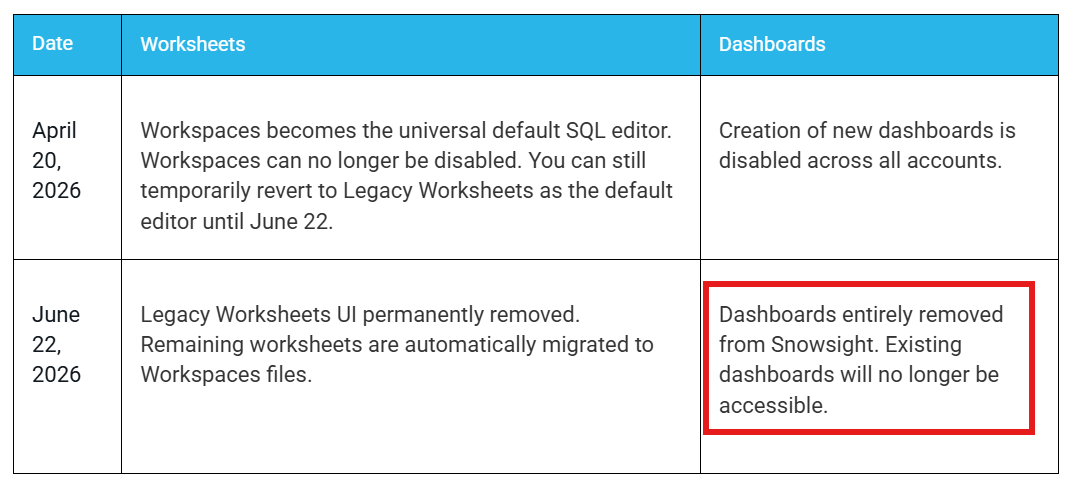
Migrate dashboards before June 22, 2026. After this date, dashboards will no longer be accessible. Use the Dashboard-to-Streamlit conversion tool. Users can open any dashboard and select Generate Streamlit app to convert it to a Streamlit app running natively on Snowflake.
How does this conversion look ? We will give it a try. This is how a Snowsight dashboard might look (just a quick & dirty attempt).
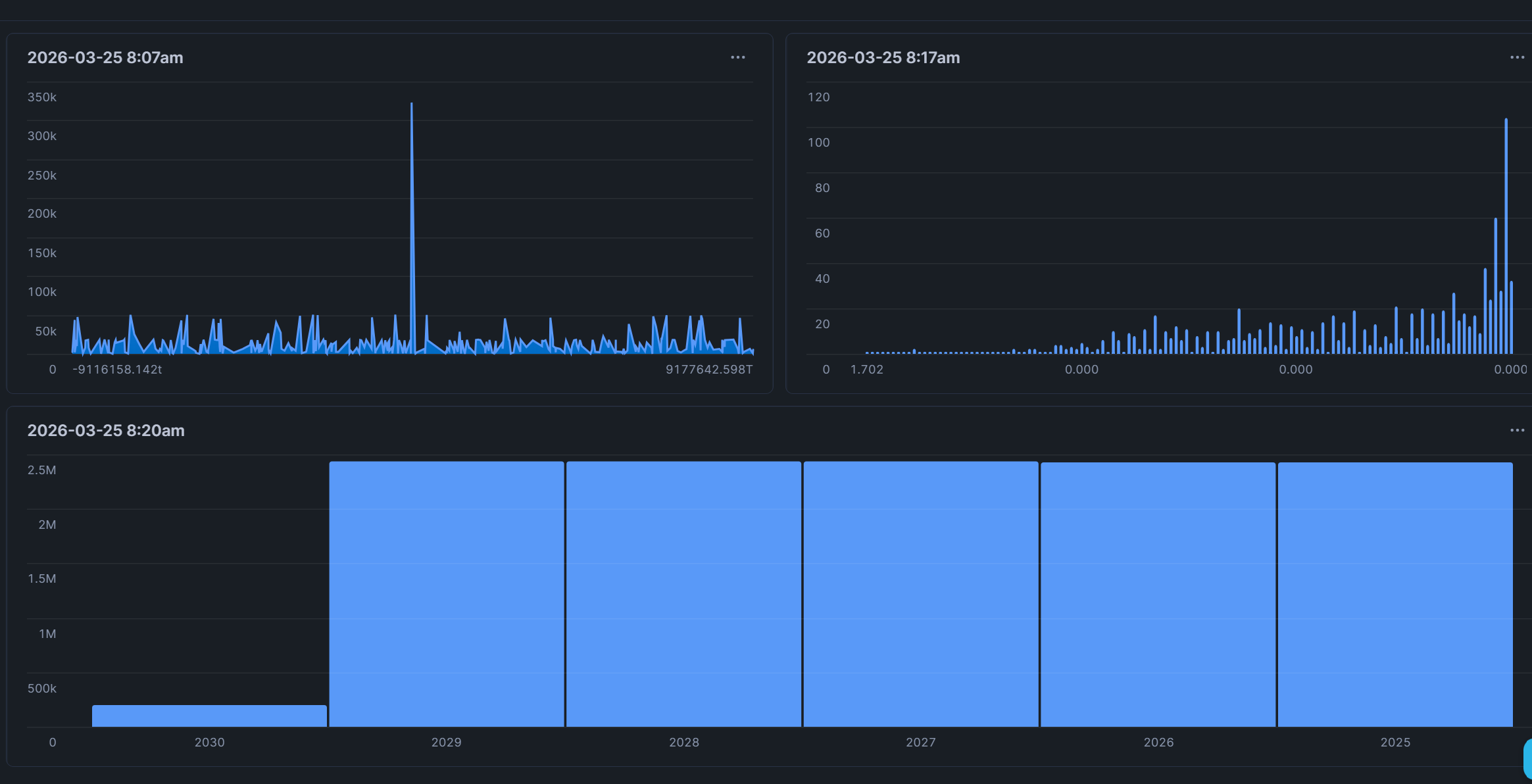
In the top right there is a button.
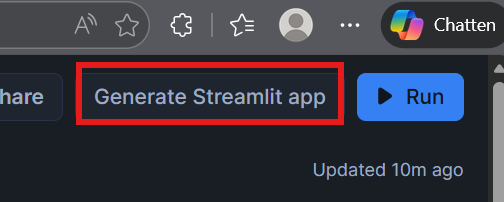
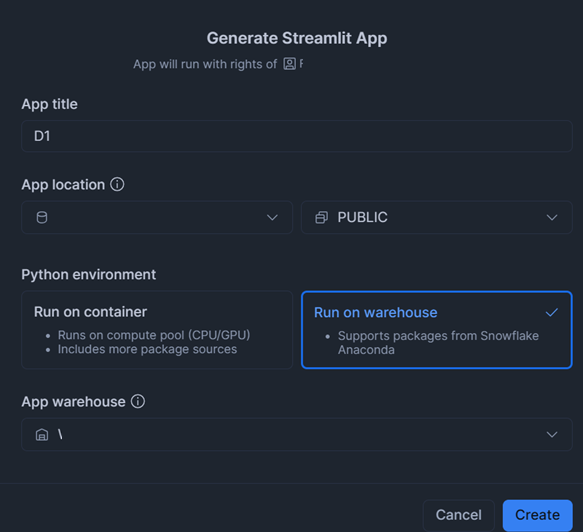
Let's hit this. The screen you get when creating a regular Streamlit app appears, nothing special here.
This is the Streamlit app you get after conversion. Pretty much ok.
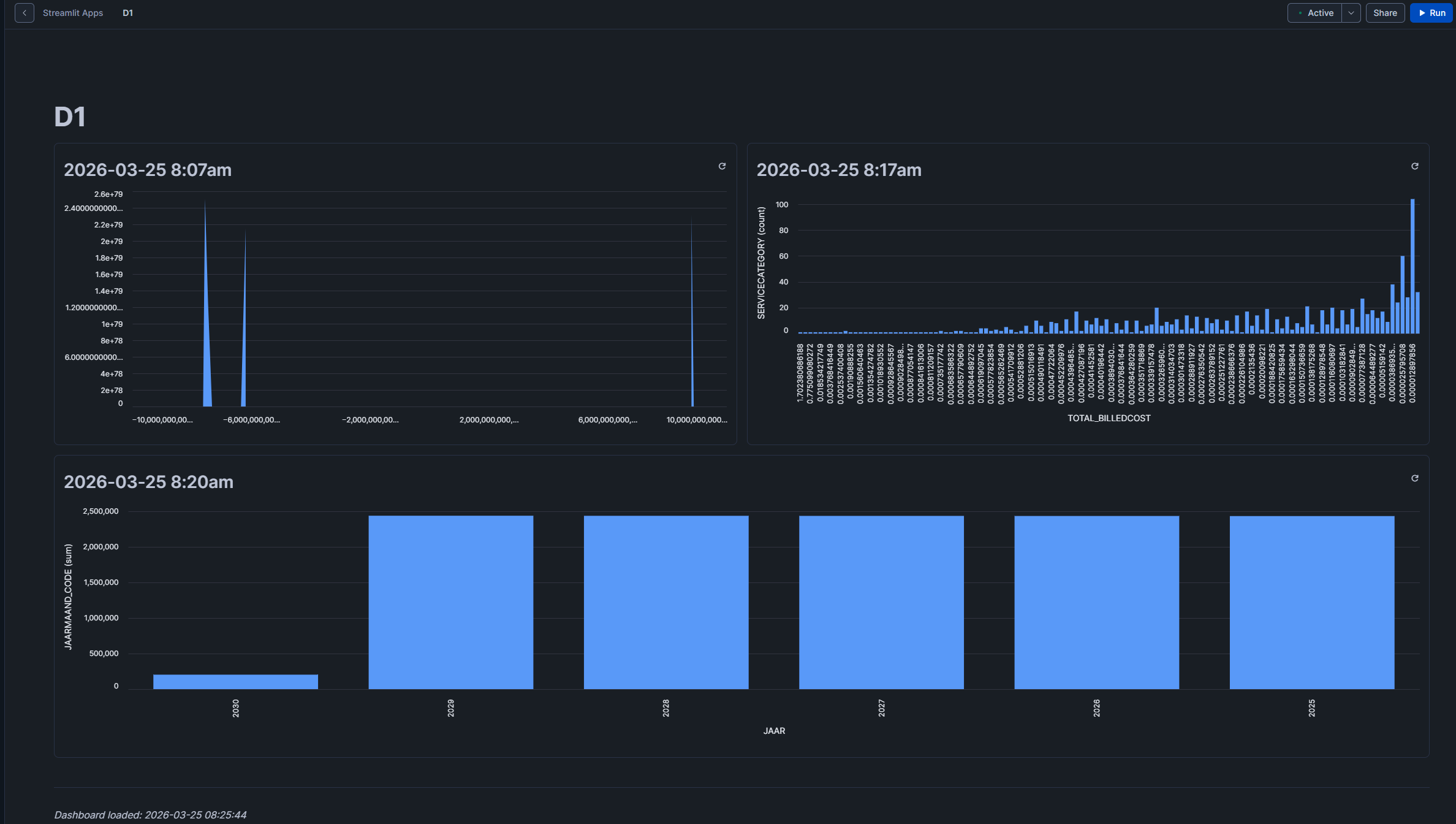
We can draw a quick conclusion here: generate a Streamlit app within seconds and get rid of your dashboards, works like a charm. Will not cover scenarios like filters in these dashboards as probably no one was using them anyway.
For a migration path to a different BI tool, that might be a bit more complex. You will probably end up taking out the SQL and converting the visuals manually in case of Power BI or Tableau.
When you have a BI tool that supports a 'as a code' deployment, AI might be your friend -> give the Streamlit Python code to your AI agent and prompt for conversion.