Python and Snowflake: using a configuration file
Note: while it is highly recommended to run Python in a virtual environment, setting up this venv is not in scope for this post. Perhaps I…
Note: while it is highly recommended to run Python in a virtual environment, setting up this venv is not in scope for this post. Perhaps I will adress that in a later stage. For now I am using Anaconda for that purpose, running Python 3.10.4.
Note 2: what also is not covered in this post is the various Python components that need to be installed, with our without a requirements.txt file. I will also get back to this in later stages, but for now, a link to the Snowflake Python connector is added in the code.
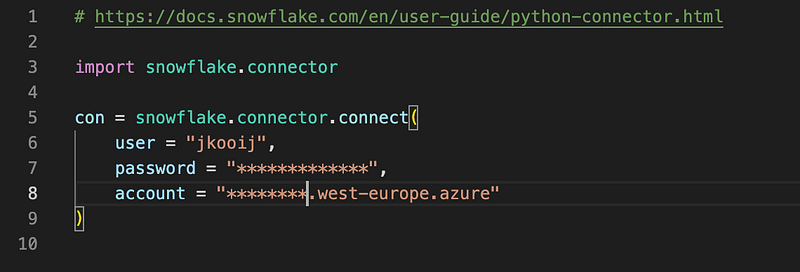
When developing a Python script to access a Snowflake database, the configuration details/credentials need to be stored somewhere. If you push the code to a GIT repo, the code is not the best place to store those credentials. For the first version of the (not committed) code it can certainly be developed with the credentials in the code, leading to this script:
Let’s now execute a first query on the Snowflake account:
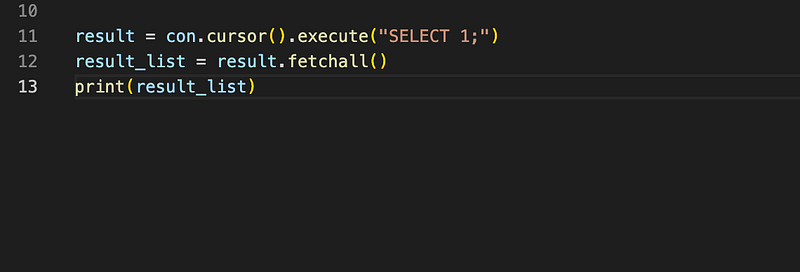
We get our result in the terminal:

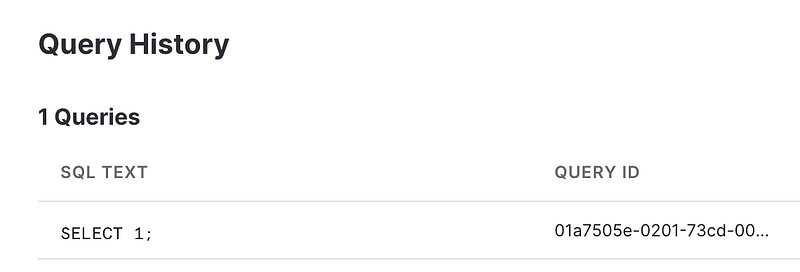
In Snowflake, we can have a look at the executed query by going to app.snowflake.com and then to Activity/Query History:
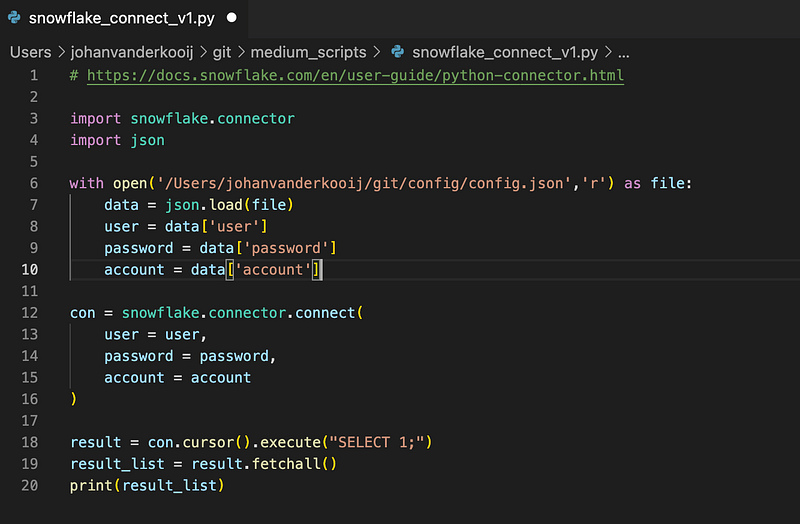
Now, let’s prepare the script for the first push to a GIT repo, meaning that we should take the connection details out of the code and put them in a separate file. Create a new file called config.json with these contents:

Then, we need to call this config file from our Python script as well as read the variables from the script, which brings us pretty much to the end of this post.
To conclude: In this post, I am creating a Python script to connect to a Snowflake account, with the specific goal to exclude the account details from the Python script.
See the code snippet on my Github: bidutch/medium_scripts (github.com)