Databricks — trial/community edition (CE)
When going to the website, it is quite easy to start a trial.

When going to the website, it is quite easy to start a trial.

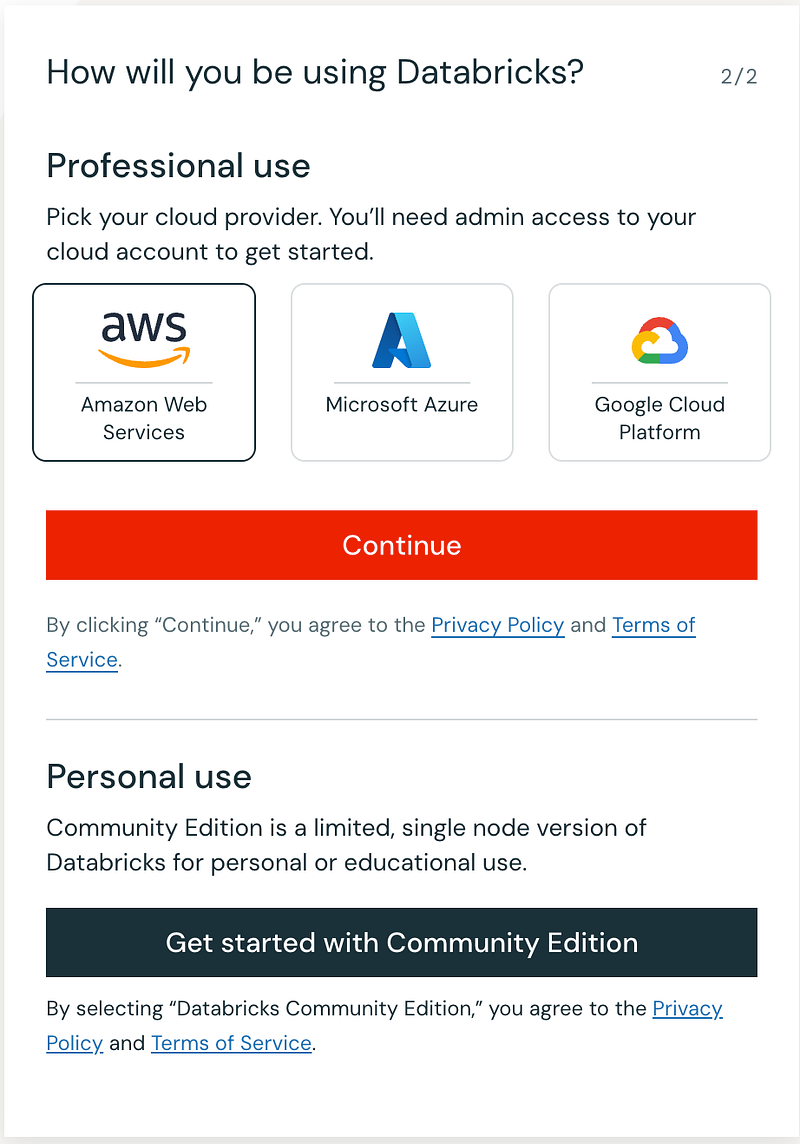
Since this is my “first” trial (did a 3 day training a couple of years ago but that was on a training-provided instance), I will go for the community edition.
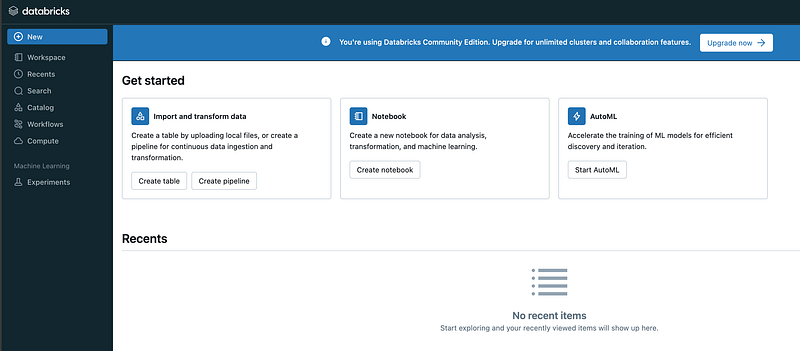
What I would like to do is load a sample file from my local computer. From the documentation I understand that you can do this with the “Create or modify a table using file upload”. I use the Kaggle “Most Streamed Spotify Songs 2024.csv” file.

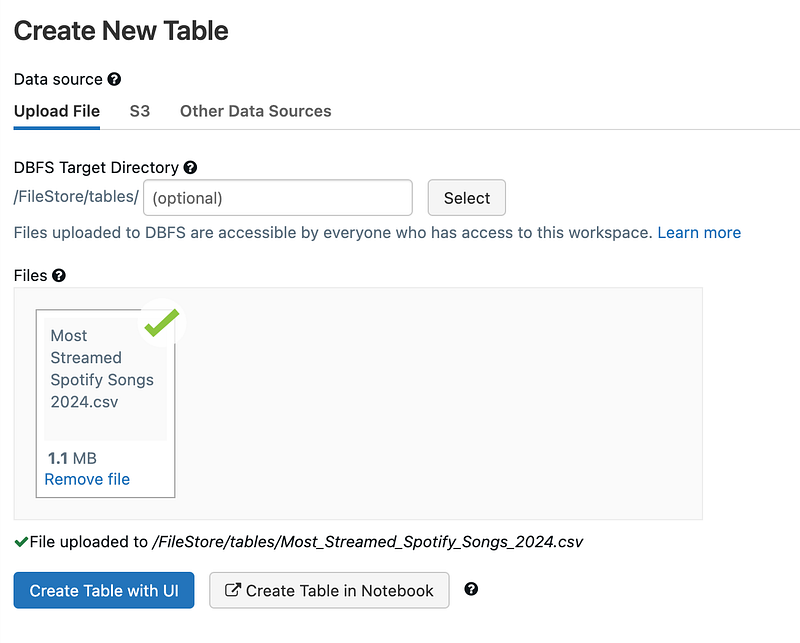
When I then click “Create Table with UI”, I get this message:
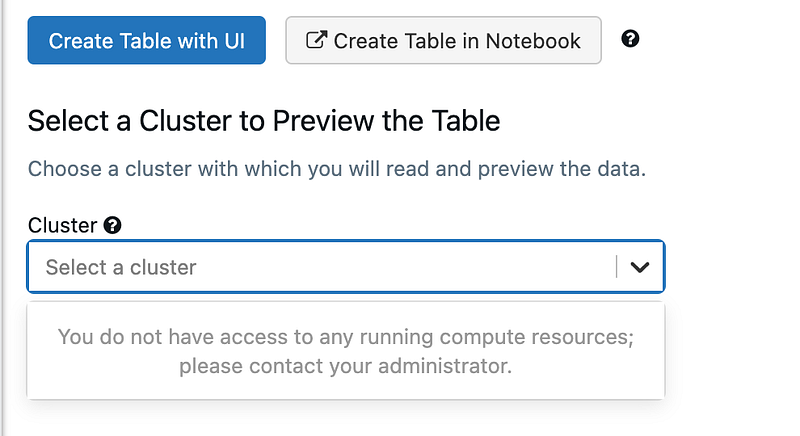
Will do the cluster thing later on, so let’s first try the Notebook experience. Seems that I still need a cluster, but from the Notebook experience I can just create it on the fly:
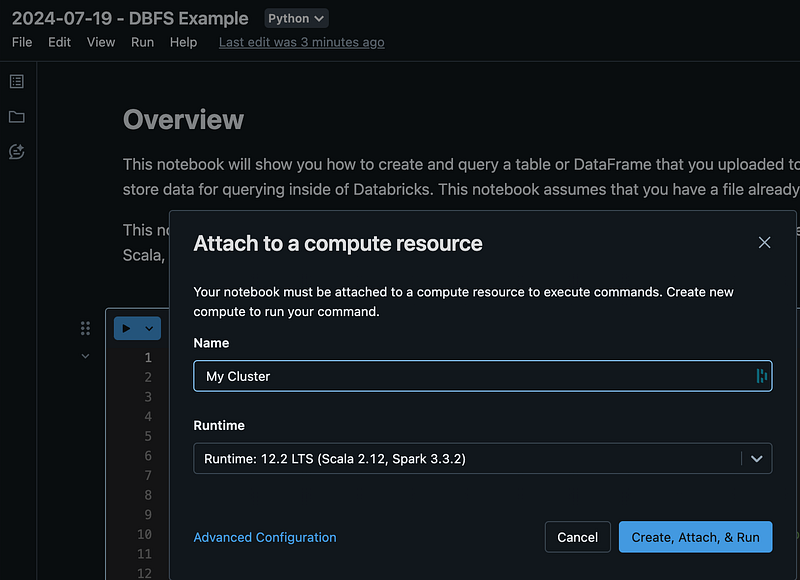
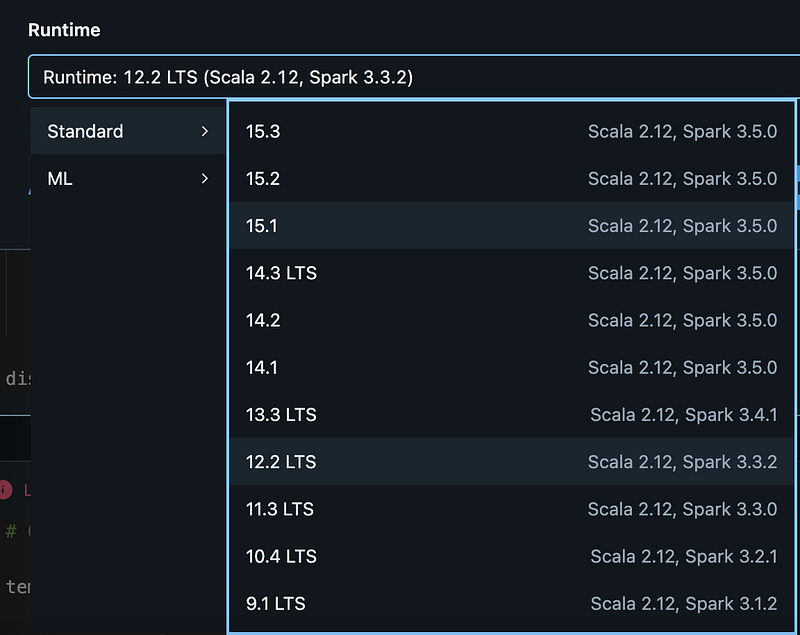
Let’s just choose on. Will figure out later what the differences are.

Starting up instantly. Is this the “5 minute start/warm up” thing ? Just read an article this week announcing “serverless clusters” that would take away the 5 minute “barrier”.
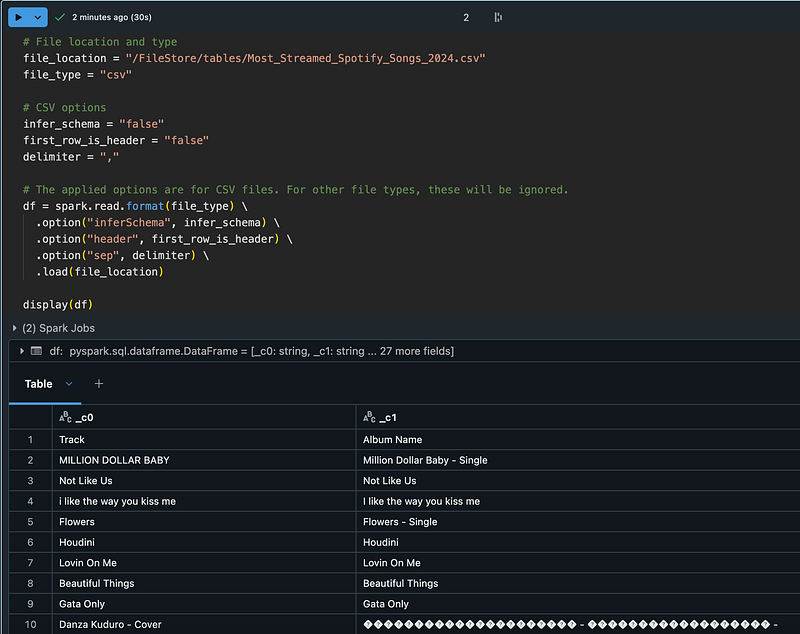
The result is there, just need to do some regular code editing to fix the UTF-8 stuff. After adding this and pressing play again, we get this “Inactive Cluster” message:
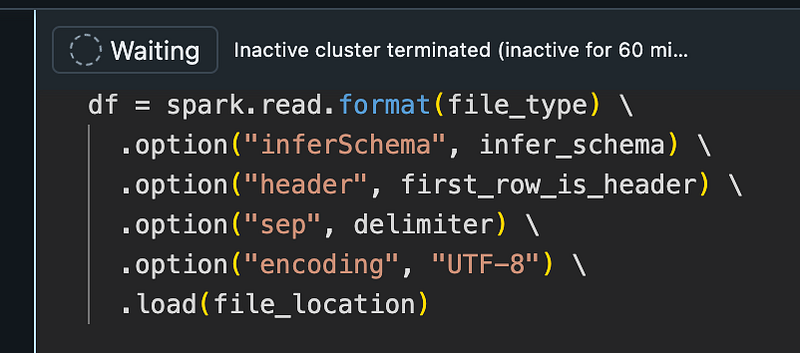
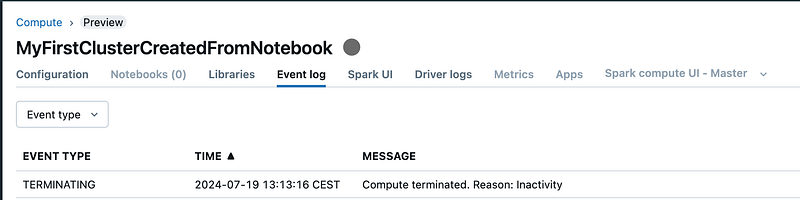
The cluster is terminated. Let’s have a look in how to fix this. It is as designed for a CE user.

After detaching the terminated cluster I could create another cluster again, so the file was read again.
2 additional Notebook cells were created, one Python, one SQL, ultimately leading to a SQL statement querying a table:
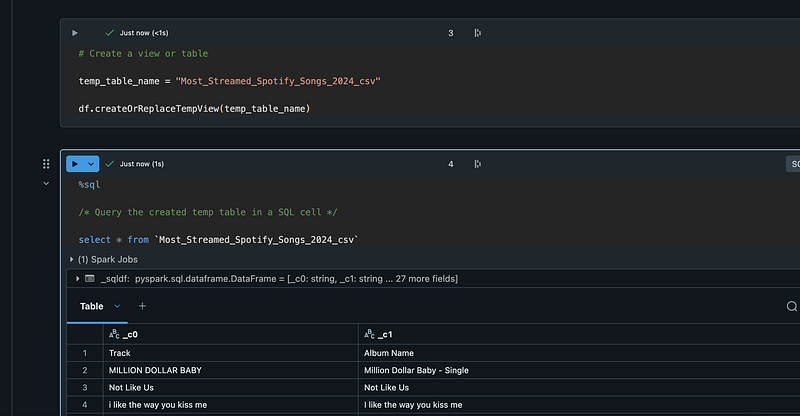
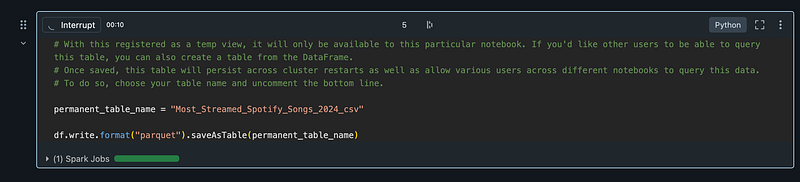
Finally, another prefab cell writes my temp table to a Parquet table:
The table is visible in the Catalog section:
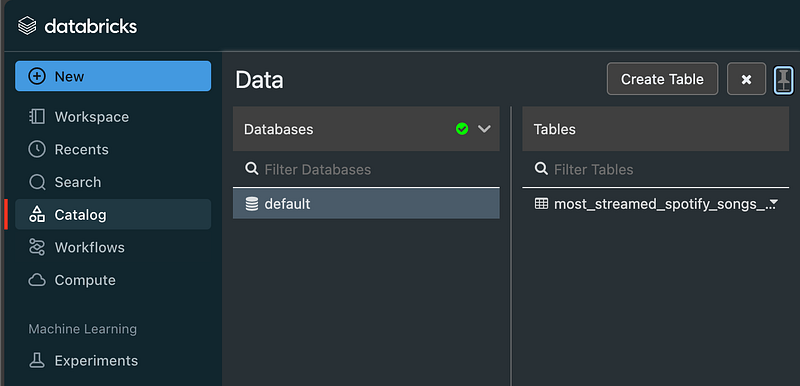
Going back to my blocking issue in the beginning of the post (no cluster available yet), let’s now create the table with the UI instead of a Notebook:
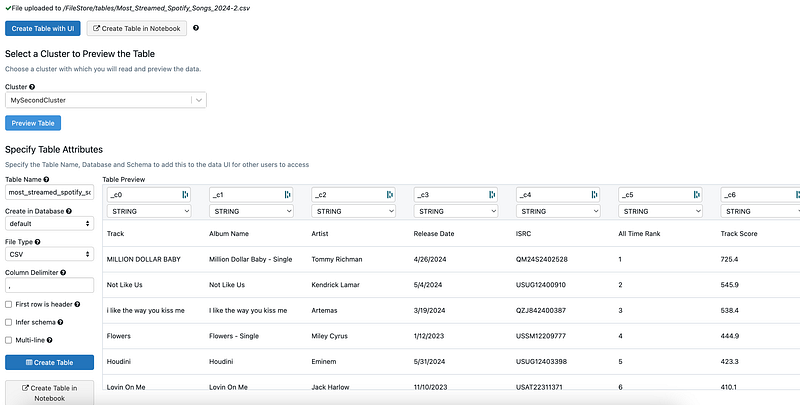
The cluster is probably still active, since it is very quick:
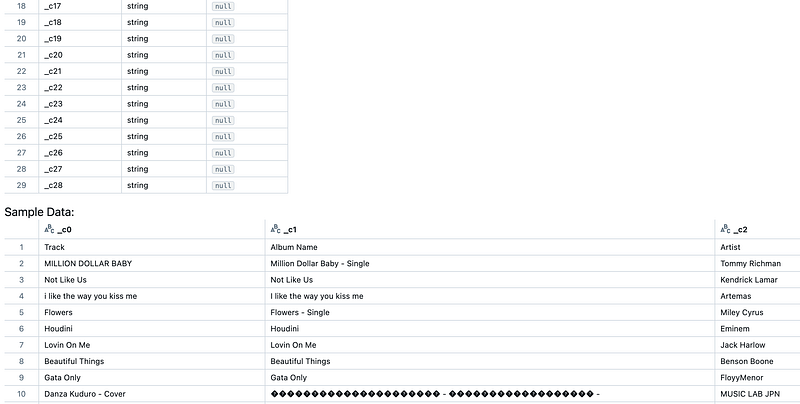
Let’s investigate this, so I go to Compute and terminate my cluster:

When importing a file I get the message again that there is nog compute. When trying to start the cluster, I get this message:
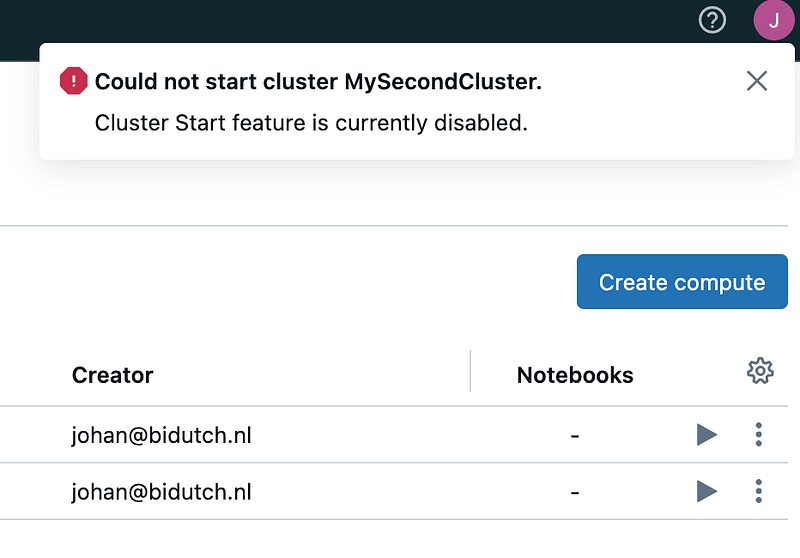
According to Stackoverflow posts, this is default behaviour for CE.
When I create a cluster manually, it also starts the cluster, so I need to wait for this to finalize before being able to import data via the UI. After that, the table show up in the catalog,
To conclude this “first” experience with Databricks: pretty easy and pretty straightforward, but then again: the Databricks lingo, clusters, Notebook, Python, SQL lingo is all pretty familiar to me, also compares to Snowflake lingo :). Looking forward to other stuff to do with Databricks.
In the next article I will work on Power BI combined with Databricks: yati1002/Power-BI-DatabricksSQL-QuickStart-Samples: Repo for Power Bi Demos and Templates (github.com)