AWS — Multi Session support
When you want to log in to the AWS Console, check someting in Dev and also look in Acc (in the same browser), for instance to debug stuff…
If you want to read this article non-paywalled: use this link.
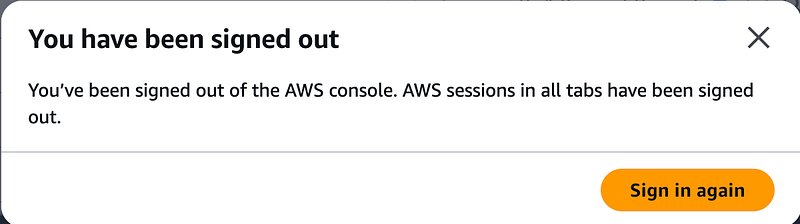
When you want to log in to the AWS Console, check someting in Dev and also look in Acc (in the same browser), for instance to debug stuff or check the release status of components, you will see this:
Nasty, isn’t it. The first logged in account will be forced to sign out when you log in to another account. There are some ‘workarounds’:
- open a private browser session
- use a seconds browser
Both do the job, but now AWS has launched a feature that makes this obsolete: Multi Session Support:
….. which enables AWS customers to access multiple AWS accounts simultaneously in the AWS Console. AWS Customers can sign-in to up to 5 sessions in a single browser, and this can be any combination of root, IAM, or federated roles in different accounts or in the same account
You need to go through the setup process. Click on your account name in the right top corner:
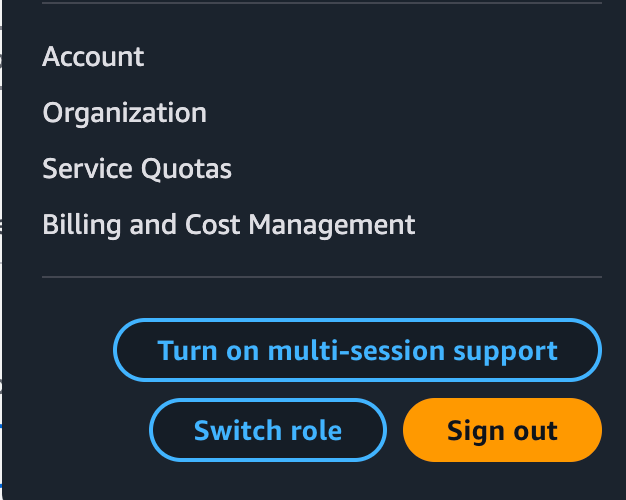
Choose the Turn on multi-session support option:

You wil get some extra options when clicking on the account name:
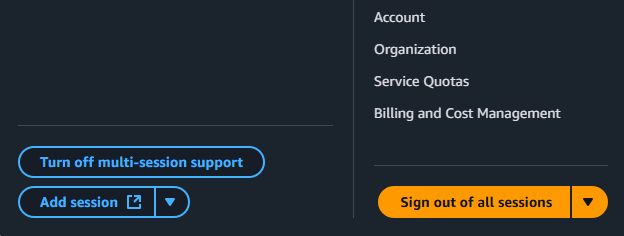
One of these options is to sign out:
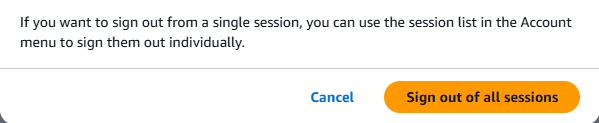
So, now for the login part of opening multiple sessions. You have 2 options here:
- sign in from the AWS access portal where all your different accounts are listed:
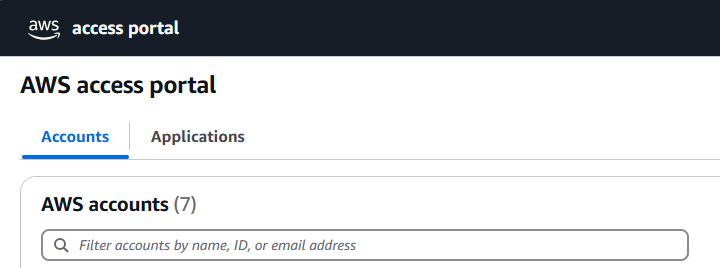
- or, choose the “Add session” button. This will lead you to the login screen that you use for the initial login:
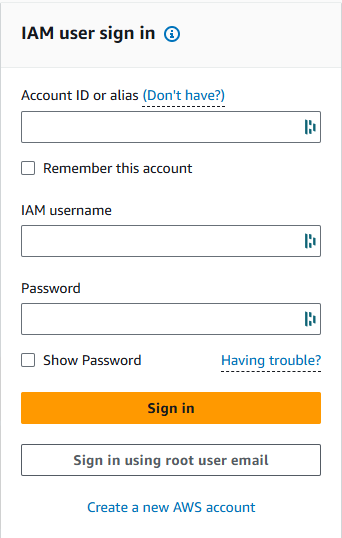
This option is required if you want to log in to a completely different account, one that is not available through the AWS access portal.
To conclude: a useful option from AWS to make the sign-in process more useful.
The AWS Management Console now supports simultaneous sign-in for multiple AWS accounts — AWS